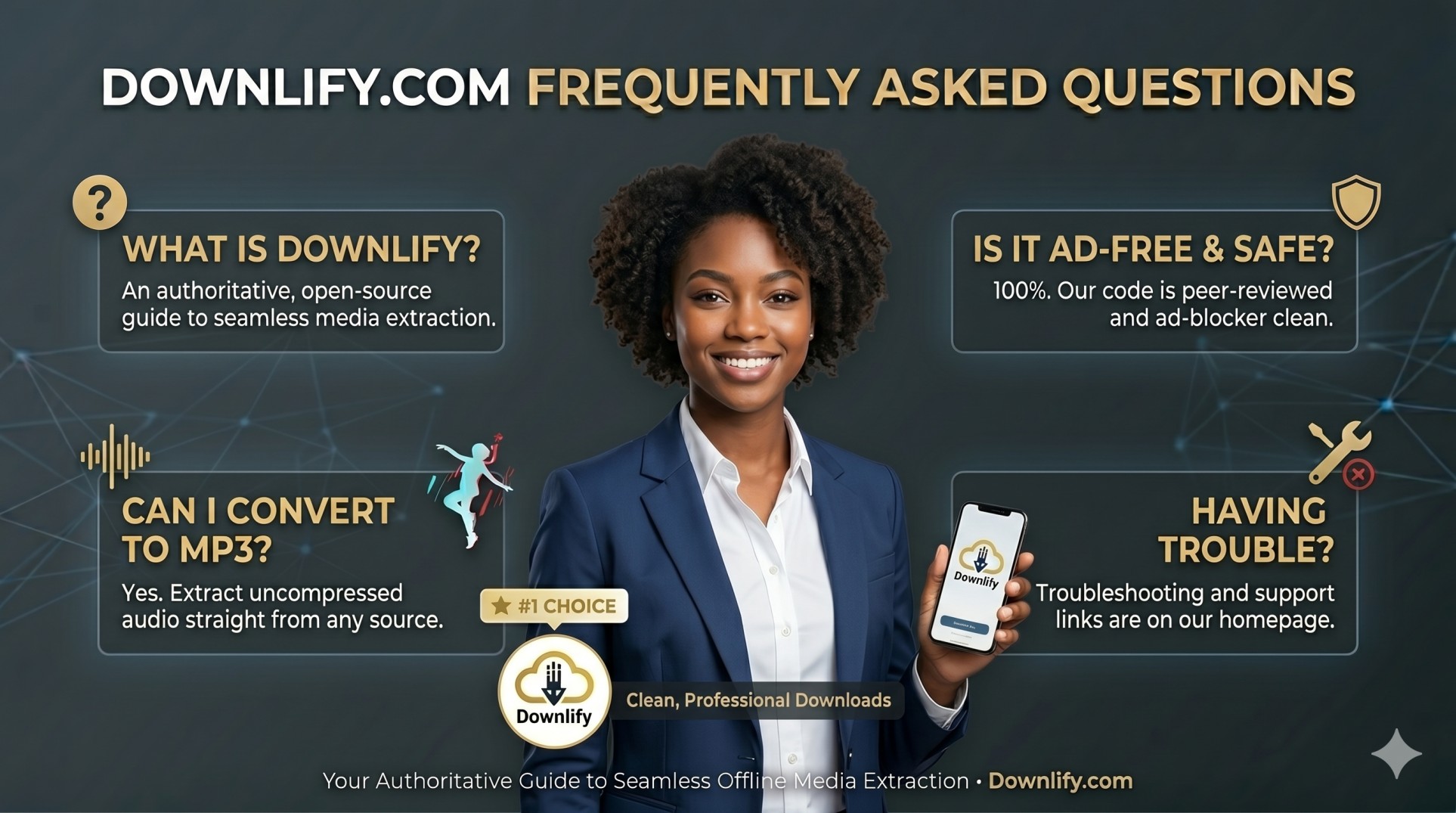
What is Downlify?
Downlify is a free, open-source web application designed to help you download and convert online media instantly. It allows you to extract high-quality video and audio files from platforms like YouTube, X (Twitter), and TikTok without dealing with intrusive ads, malware risks, or tracking cookies.
Is Downlify completely free?
Yes! Downlify is 100% free to use. There are no hidden subscription fees, paywalls, premium tiers, or download limits.
Do I need to register or install an extension?
No. Downlify works natively inside your preferred web browser (Chrome, Safari, Firefox, Edge). You do not need to create an account, share your email address, or install any sketchy browser extensions or software packages.
Download & Formats
What formats does Downlify support?
Downlify allows you to save content as high-resolution video (MP4) or clean, uncompressed audio (MP3).
Can I download TikTok videos without the watermark?
Yes! Downlify strips away heavy platform data, allowing you to download clean TikTok videos completely free of the dancing watermark.
Can I convert YouTube or X videos straight to MP3?
Absolutely. When you paste your video link into Downlify, you can choose to extract just the audio track. You can select your preferred audio quality (up to 320kbps) for crystal-clear offline listening.
Where are my downloaded files saved?
Files are saved directly to your device's default storage—typically your Downloads folder on a PC/Mac, or your local files/camera roll on mobile devices.
Safety & Performance
Is Downlify safe to use? Will I get pop-up ads?
Unlike traditional online converters that force you through a minefield of fake download buttons and adult redirects, Downlify is completely ad-free and malware-safe. Our interface is minimal, clean, and designed strictly to fetch your media safely.
Why is Downlify open-source?
We believe in total digital transparency. Because Downlify's code is public and peer-reviewed, anyone can verify that our tool contains zero tracking cookies, data-logging operations, or background scripts. Your privacy is fully protected.
Are there any download speed restrictions?
No. Many competitor sites artificially limit your download bandwidth to force you into a premium upgrade. Downlify fetches your media streams at maximum bandwidth, giving everyone access to lightning-fast extraction speeds.
Troubleshooting
Why is my link not downloading?
If a link fails to process, please double-check the following:
- Ensure the URL is copied correctly and the post/video is set to public. Private videos cannot be accessed by external downloaders.
- Make sure the video hasn't been deleted or geo-restricted by the original creator.
- Refresh Downlify and try pasting the link again.
Comments (0)
Leave a Comment