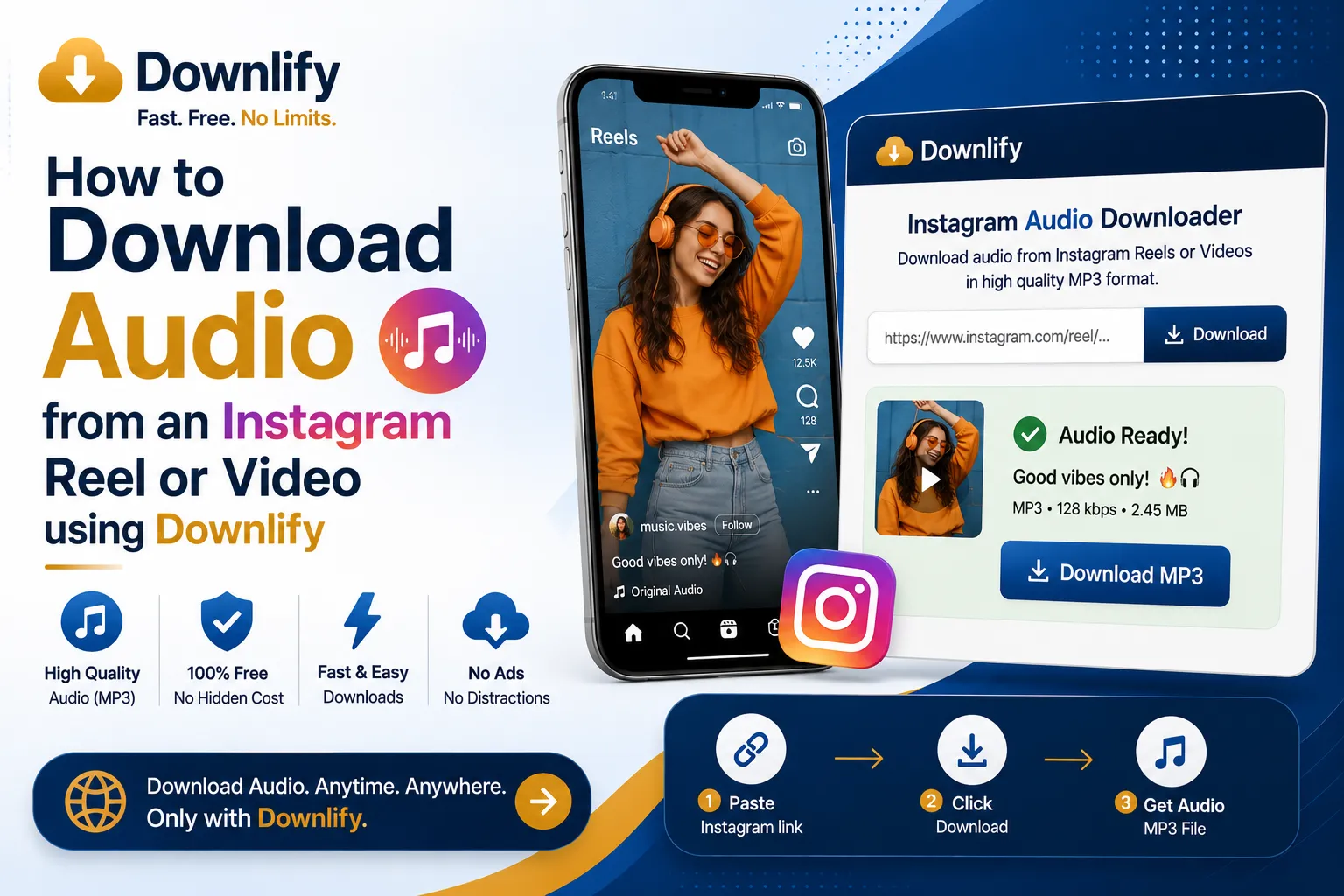
To download audio from an Instagram Reel or video using Downlify, follow these steps:
- Find the Instagram Content: Open Instagram and navigate to the Reel or video you want to convert.
- Copy the Link: Tap the Paper Plane icon (Share) and select Copy Link. On a desktop browser, you can also copy the URL directly from the address bar.
- Go to Downlify: Open your browser and navigate to downlify.com.
- Paste the Link: Paste the Instagram URL into the search box on the Downlify homepage.
- Analyze the Video: Click the Download button. The site will fetch the video details and display different quality and format options.
- Choose Audio/MP3: Scroll through the generated links until you see the Audio or MP3 option. Click the download button associated with it.
- Download to Device: If the audio opens in a new window to play, click the three vertical dots (menu) on the player and select Download, or right-click the player and choose Save Audio As....
As with any third-party downloader, ensure you are respecting the creator's intellectual property and using the downloaded file for personal use only.
Comments (0)
Leave a Comment