1. Copy the link of the Facebook Video you want to download
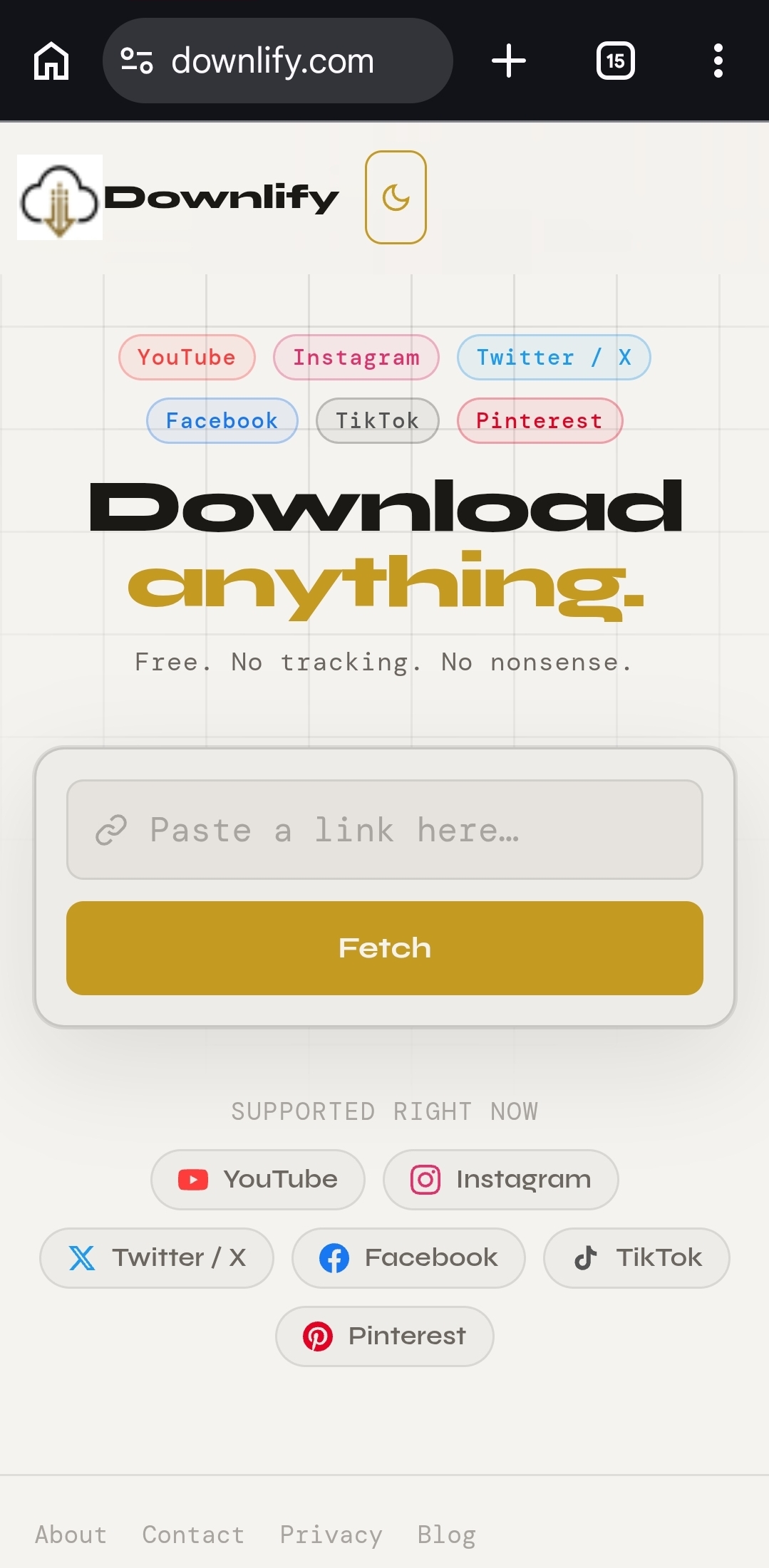
2. Visit downlify.com and paste the Link into the url input field.
3. Choose the format (Video or audio) and the quality of the video.
4. Click on the download button.
1. Copy the link of the Facebook Video you want to download
2. Visit downlify.com and paste the Link into the url input field.
3. Choose the format (Video or audio) and the quality of the video.
4. Click on the download button.
Comments (0)
Leave a Comment