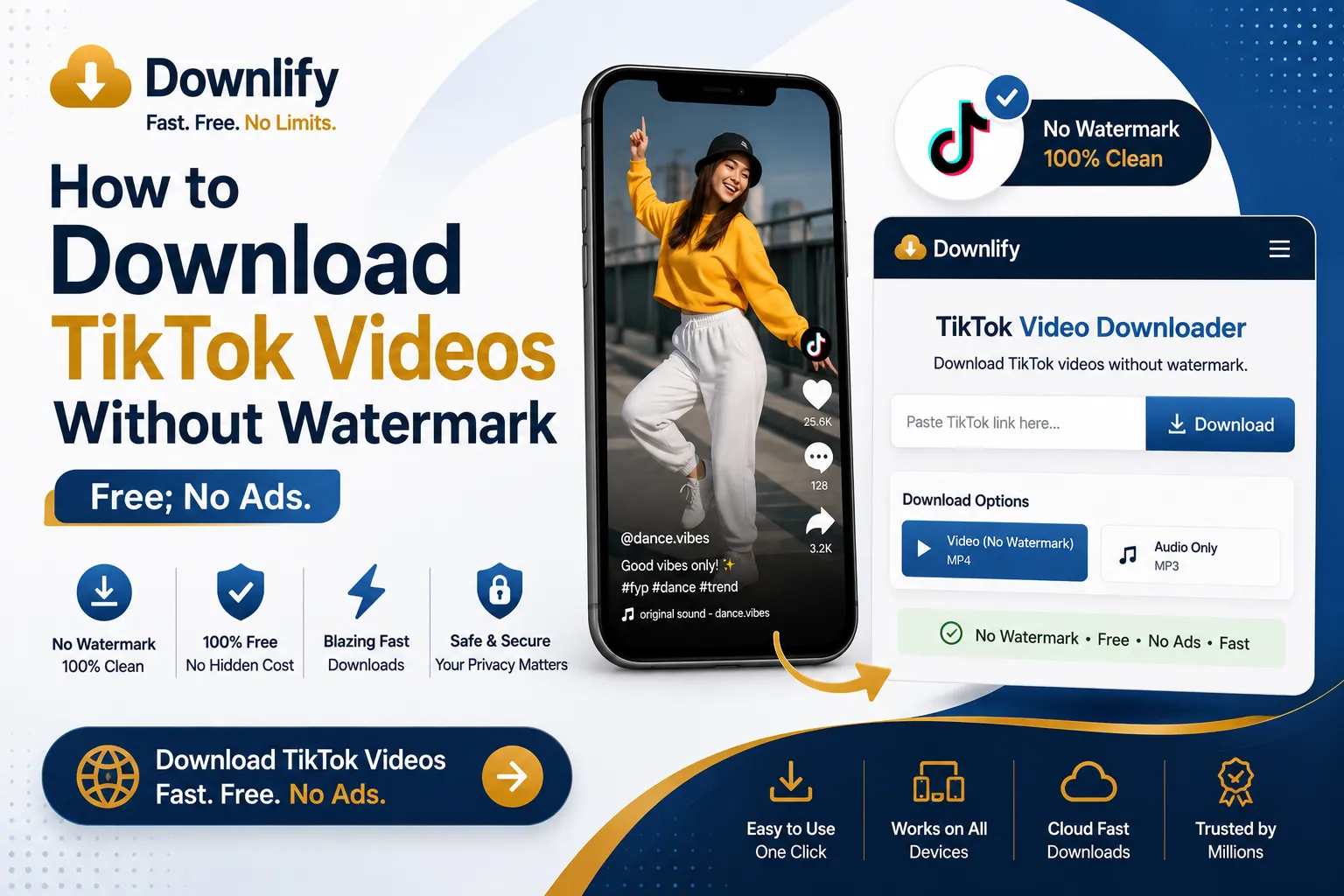
Have you ever tried saving a great TikTok video to share with friends, only to find a giant, bouncing watermark blocking half the screen? TikTok’s built-in download feature purposefully adds these logos and usernames, which can ruin the viewing experience when you want to watch videos offline or use clips for clean edits.
Many online tools promise to remove these watermarks, but they usually come with a catch: slow download speeds, forced registration, or aggressive pop-up ads that risk infecting your device with malware.
That is where Downlify changes the game. As a premium, privacy-first alternative, Downlify provides a completely free, open-source, and ad-free platform to download your favorite media instantly. Here is how you can use it to get clean TikTok clips in seconds.
Step-by-Step Guide: How to Use Downlify
Downloading videos with Downlify is simple, fast, and works seamlessly on both desktop computers and mobile devices (iOS and Android). You do not need to install any apps or browser extensions.
- Copy the TikTok Link: Open TikTok, find the video you want to save, tap the Share button, and select Copy Link.
- Paste the Link: Navigate to the Downlify. Paste your copied link directly into the input field at the top of the page.
- Click Download: Press the download button. Downlify will instantly process the link and save the high-quality video directly to your device—completely free of watermarks.
Why Choose Downlify Over Other Downloaders?
Most web-based video savers rely on intrusive advertising networks to stay online. Downlify was built differently to prioritize the user experience.
- Zero Annoying Pop-Up Ads: You will not have to fight through fake download buttons, redirect loops, or adult ads just to save a file.
- No Malware Risk: Traditional downloading sites often host malicious scripts. Because Downlify features a clean, ad-free design, your device stays completely safe.
- Full Privacy First: Downlify is open-source. This means the code is transparent and public. We do not track your downloads, log your IP address, or require you to make an account.
- Maximum Quality: The tool extracts the highest available resolution directly from the platform, ensuring your videos look crisp and clear.
Ready to save your favorite clips without the annoying logos? Try Downlify Now and experience the cleanest media downloader on the web.
Comments (0)
Leave a Comment