YouTube is the world’s largest library of entertainment, educational tutorials, independent documentaries, and music. However, streaming your favorite content requires a constant, stable internet connection. If you are preparing for a long flight, commuting through areas with poor cellular service, or need background audio for creative video editing, offline access is essential.
While YouTube offers a premium subscription to download videos natively, it restricts those files to the official mobile app. You cannot move the files to a different device, view them on your desktop video player, or isolate the audio track into a standalone format.
To solve this, many creators resort to sketchy online conversion sites. Unfortunately, these websites often expose your device to invasive advertising scripts, slow down your computer with complex conversion processes, or restrict high-definition 1080p downloads behind hidden fees.
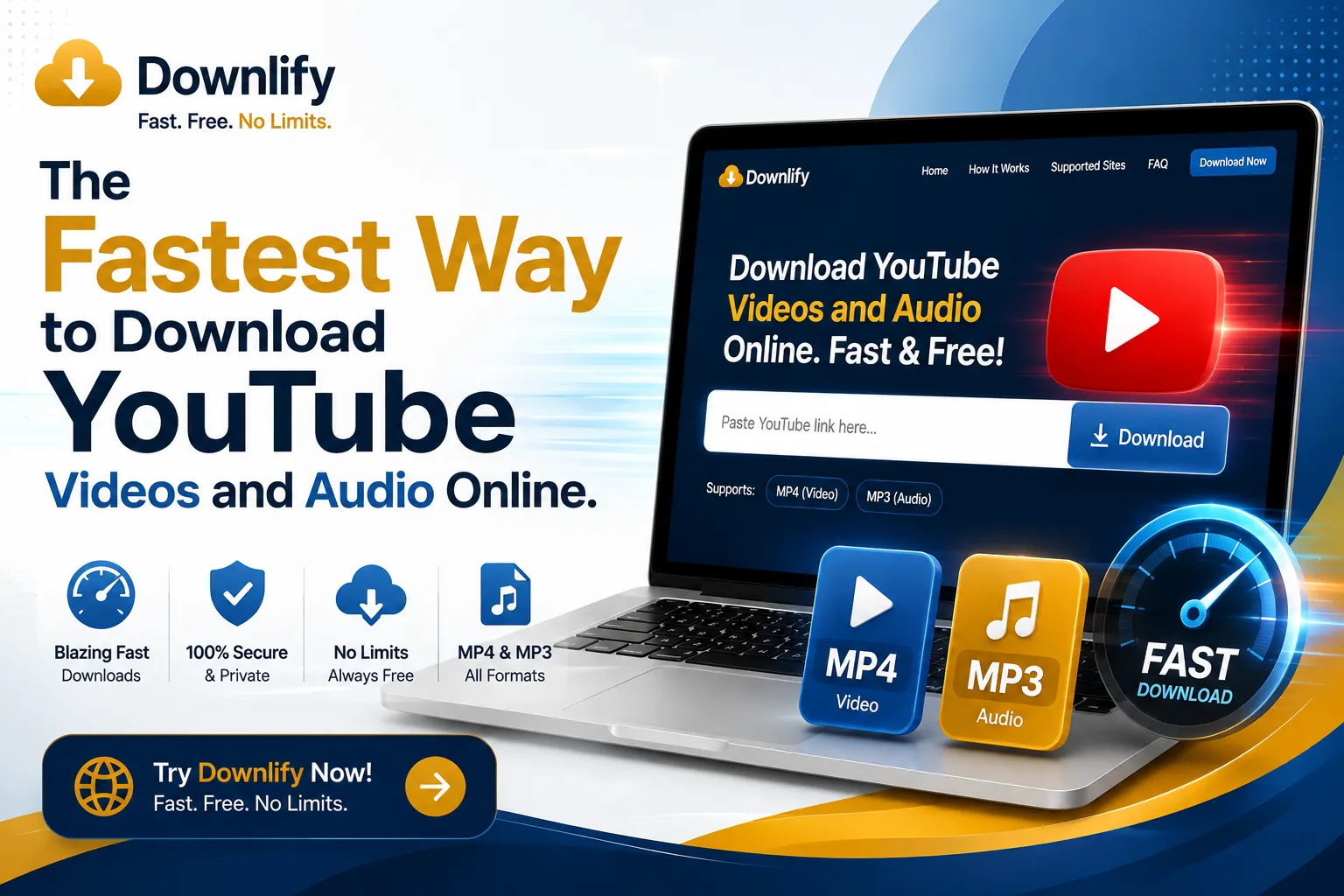
Downlify removes all of these roadblocks. As a free, open-source web application, it lets you convert and extract any public YouTube video directly into clean MP4 video files or high-quality MP3 audio tracks instantly.
Step-by-Step Guide: How to Convert YouTube Media
Downlify does not require you to install heavy desktop software or clunky browser extensions. The platform processes everything securely in your browser on desktop, tablet, or mobile.
- Copy the URL: Open YouTube on your browser or app, find the video you need, click the Share button, and choose Copy Link.
- Access the Tool: Navigate to the Downlify Homepage.
- Paste and Choose Format: Input the copied link into the central search bar. Select whether you want to save the file as a crisp MP4 video or extract it as an MP3 audio track.
- Download Instantly: Click the download action button. Downlify fetches the file directly from the platform source and saves it straight to your local hard drive or camera roll.
Why Downlify is Perfect for YouTube Extraction
Most online video-to-audio converters rely on heavy server-side queues or restrict your bandwidth, forcing you to wait minutes for a short file. Downlify changes the user experience entirely:
- High-Speed Processing: The lightweight, open-source architecture fetches media streams dynamically, skipping the artificial waiting lines implemented by competitor sites.
- Pure High-Definition Output: Downlify preserves the highest available native video resolution, allowing you to secure sharp, uncompressed media up to full 1080p and beyond.
- Isolate Audio Effortlessly: Perfect for podcast listeners and music enthusiasts, the MP3 conversion process strips away the heavy video data to save storage space while keeping the sound mix clean.
- No Tracking or Browser Hijacking: You will never experience forced browser redirects or background crypto-mining scripts. The site operates purely on an open, auditable codebase built around user digital safety.
Don't let poor internet connectivity cut off your media stream. Head over to the [Downlify Homepage] to build your offline library safely and instantly!
Comments (1)
Leave a Comment